

ECG modeling and rendering
The ECG engine responds to adjustable parameters (rate, output, and sensitivity) and supports four training rhythms: Normal sinus rhythm, 1st degree AV block, 2nd degree AV block (Mobitz II), and 3rd degree AV block (complete).
Rational Bezier-Bernstein Model
EduPace models each ECG trace with a Rational Bezier-Bernstein formulation that weights control points to shape physiologic peaks and valleys while maintaining a smooth, continuous curve across pacing cycles.
Control points were extracted from representative ECG traces using manual sampling to improve physiological realism. This approach was inspired by Chutchavong et al. and chosen for its balance between visual accuracy and computational efficiency.
From ECG trace to bedside monitor
Clinical ECG morphologies were digitised and reconstructed in Python using a Rational Bézier–Bernstein model, then rendered in JavaScript to drive the real-time simulator display.
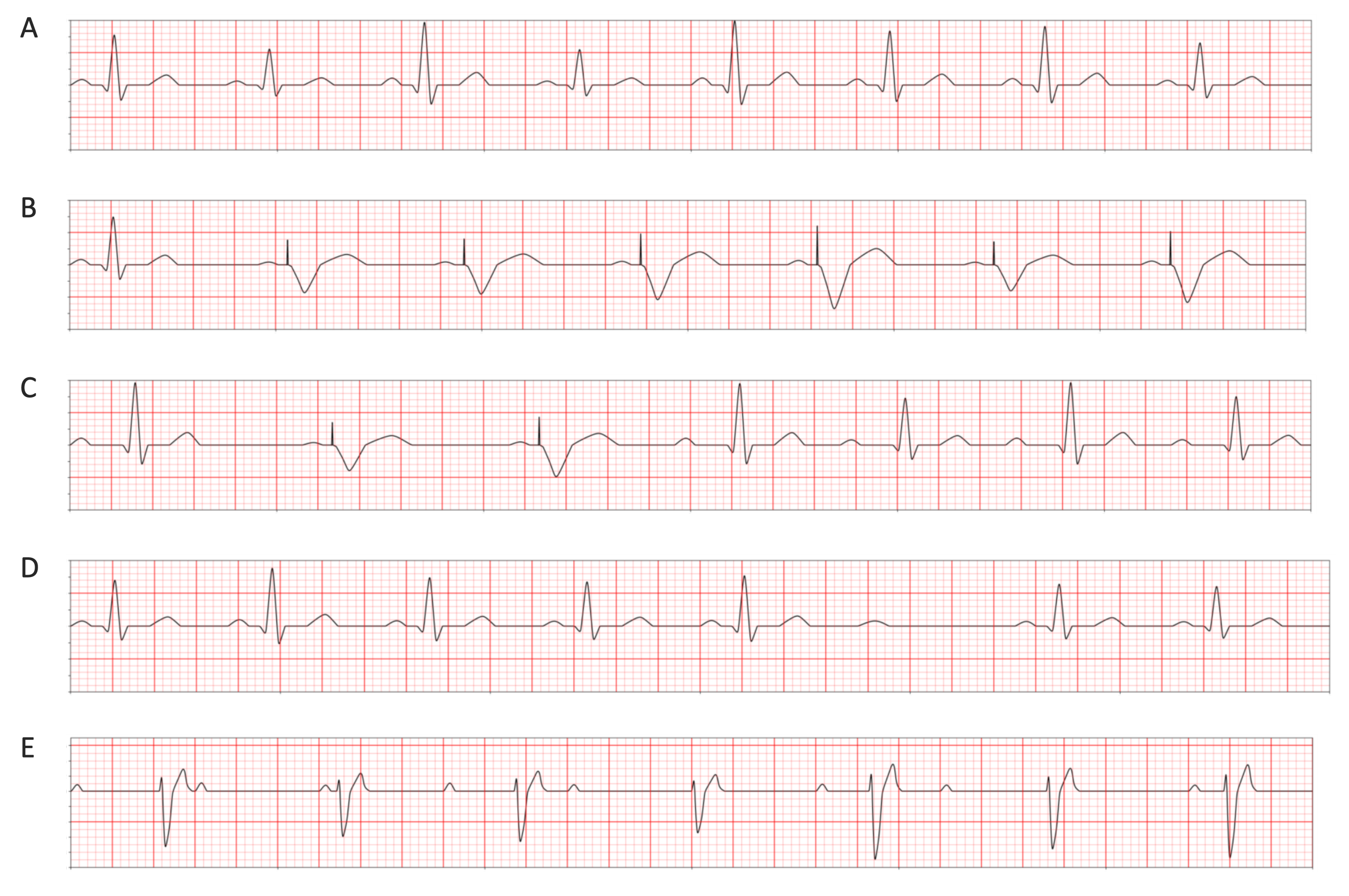
- A. Normal sinus rhythm (intrinsic HR: 80 bpm).
- B. Ventricular pacing example: intrinsic HR 40 bpm, pacer rate 70 ppm, sensitivity 0.5 mV, output 1.7 mA.
- C. 1st degree AV block: intrinsic HR 75 bpm, pacer rate 60 ppm, sensitivity 0.7 mV, output 1.7 mA.
- D. 2nd degree AV block (Mobitz II): intrinsic HR 80 bpm, pacer rate 90 ppm, sensitivity 0.5 mV, output 1.3 mA. No capture at this output (below capture threshold).
- E. 3rd degree AV block (complete): intrinsic HR 70 bpm, pacer rate 80 ppm, sensitivity 0.4 mV, output 1.3 mA. No capture at this output (below capture threshold).
EduPace App
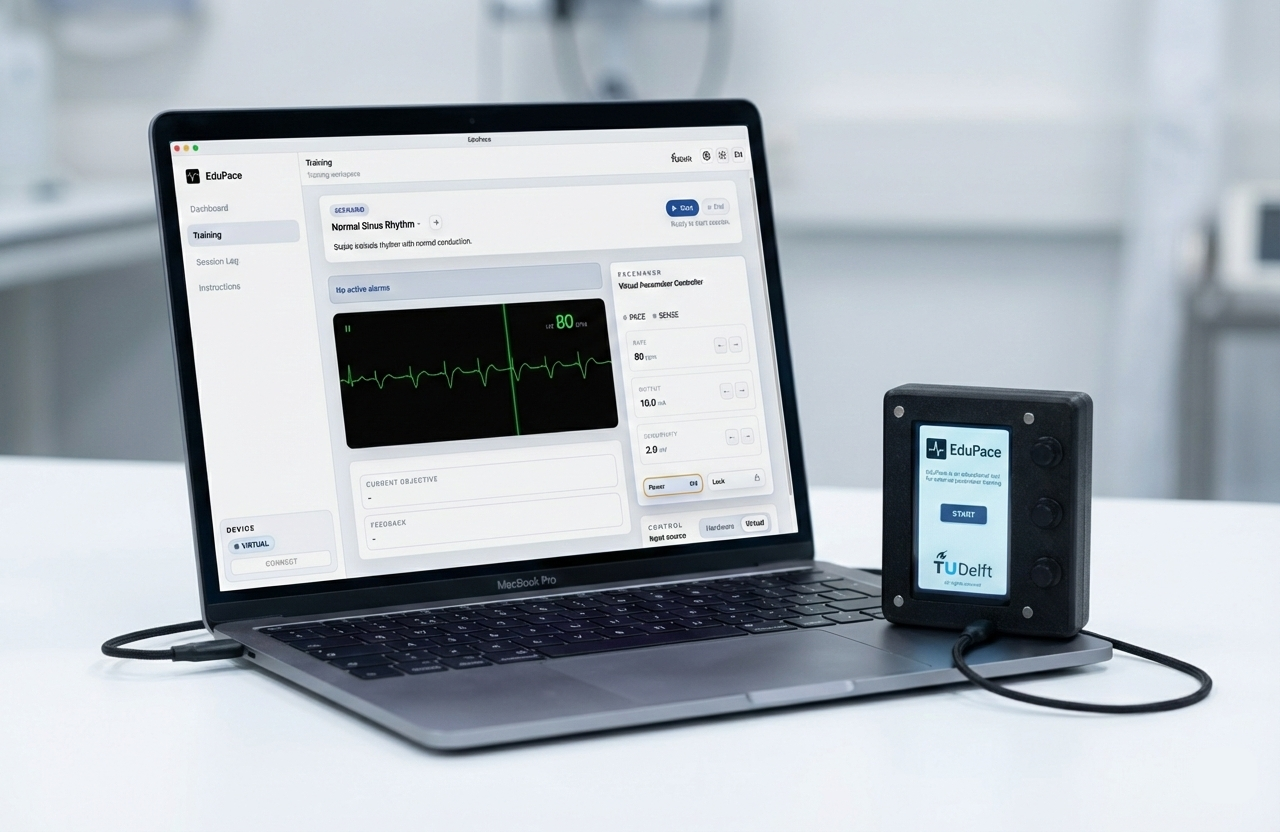
The simulator was built as a responsive web app, packaged into an Electron desktop application, and distributed through GitHub releases for offline lab setups.
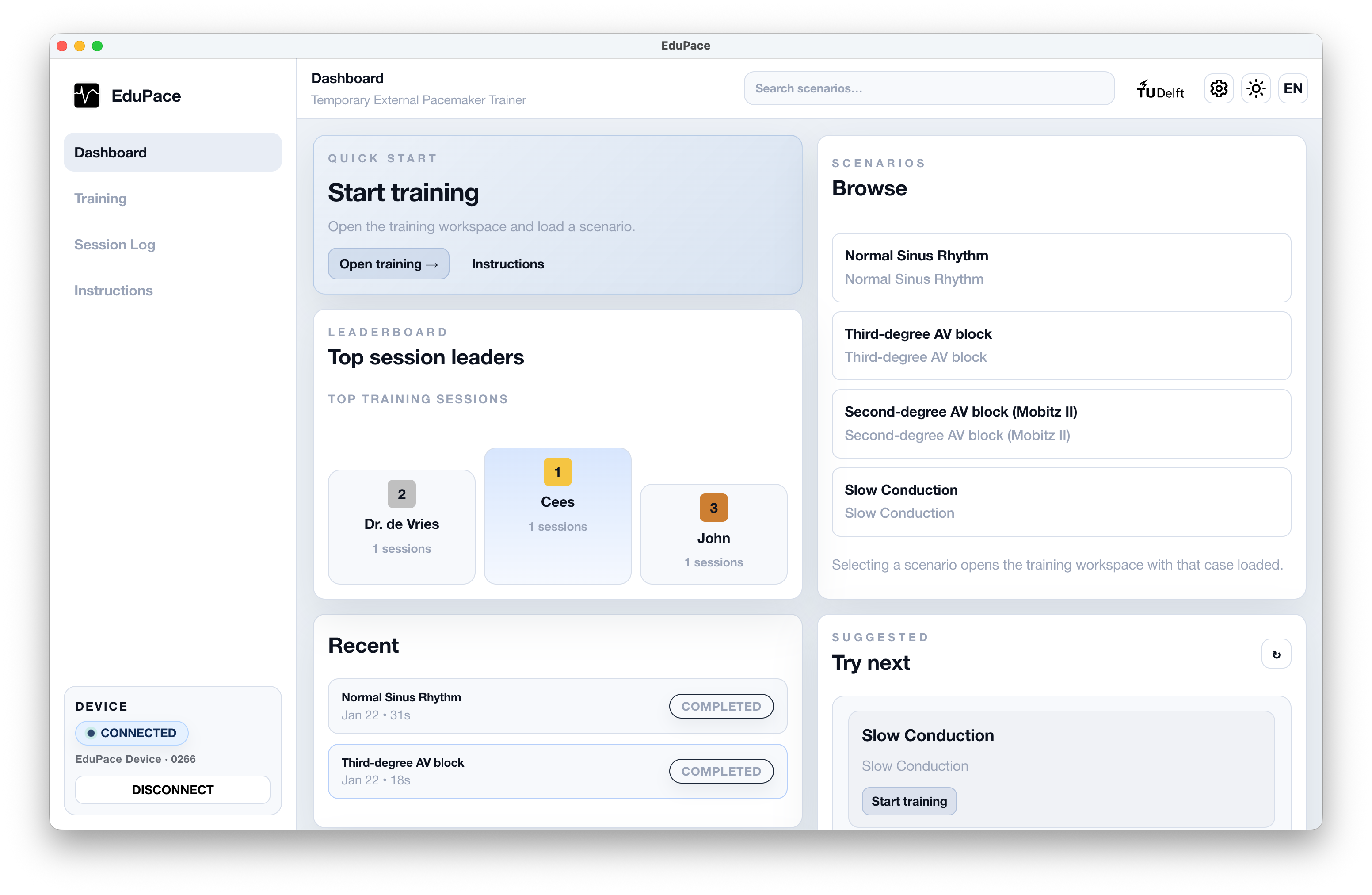
Dashboard
Browse training cases, see recent sessions, and quickly start a guided scenario.
Live training workspace
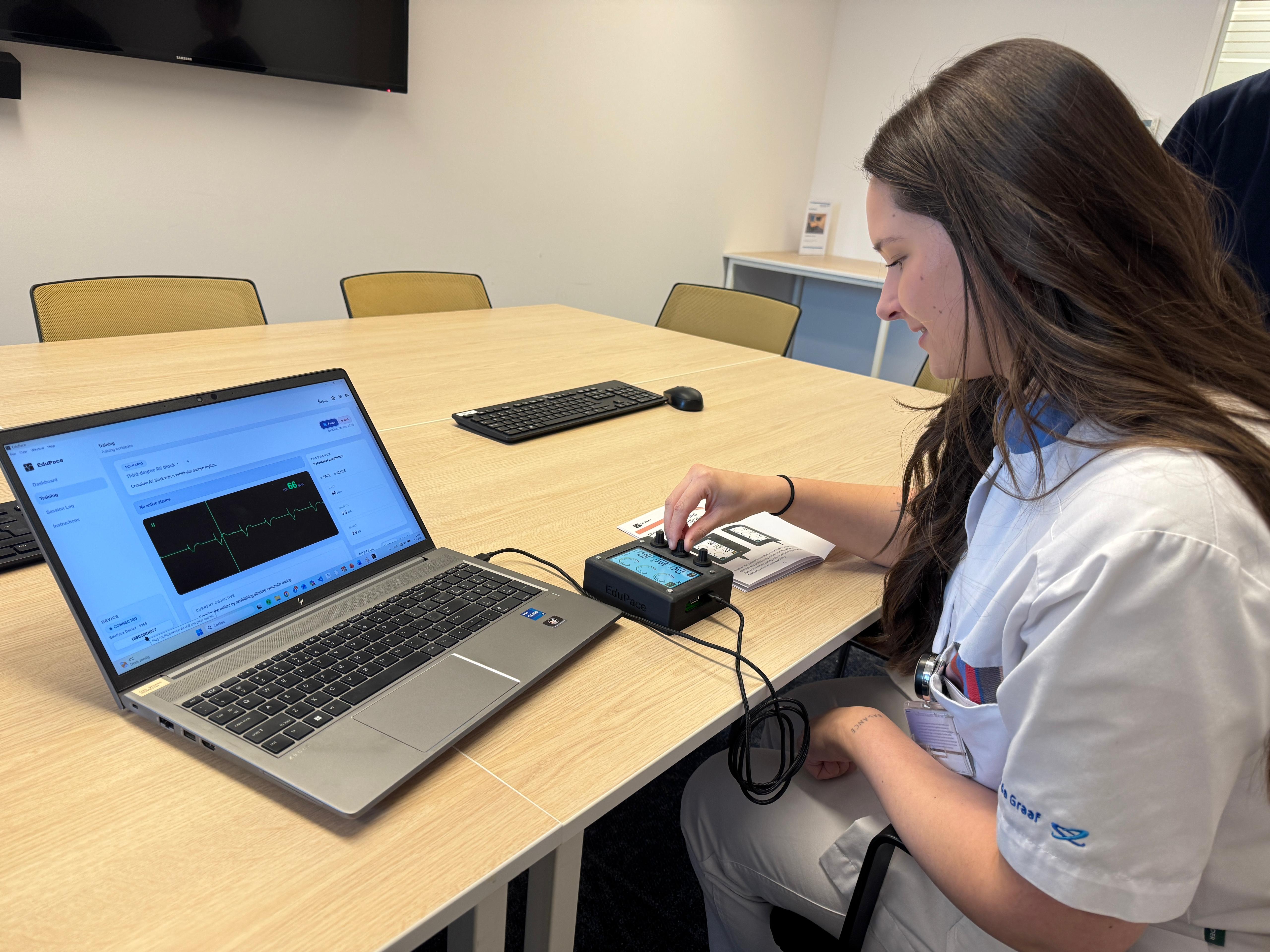
Practice pacing and sensing with a real-time ECG display and responsive controls.
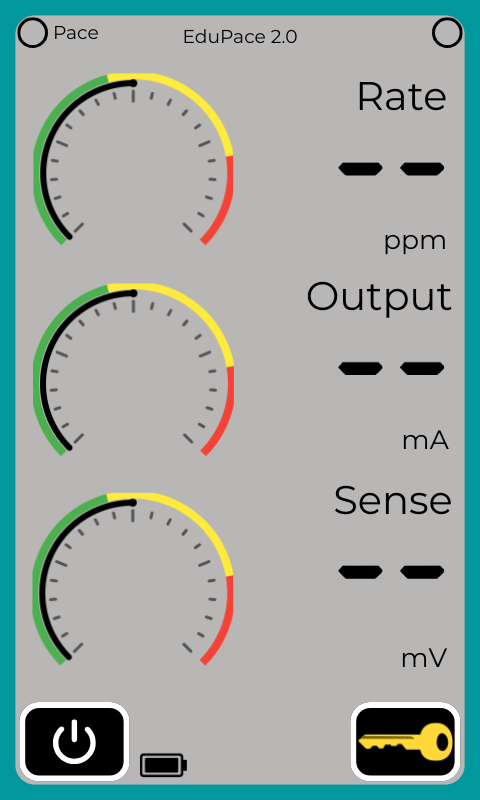
Virtual pacemaker controls
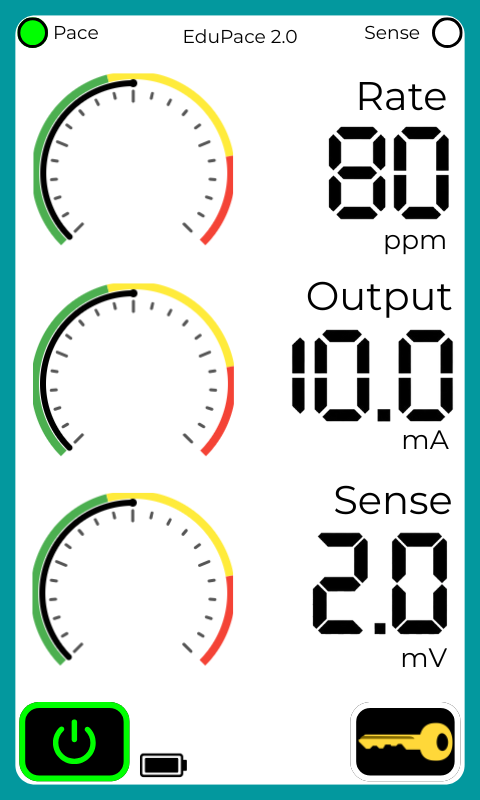
Train without hardware using an on-screen pacemaker that behaves like the physical device.
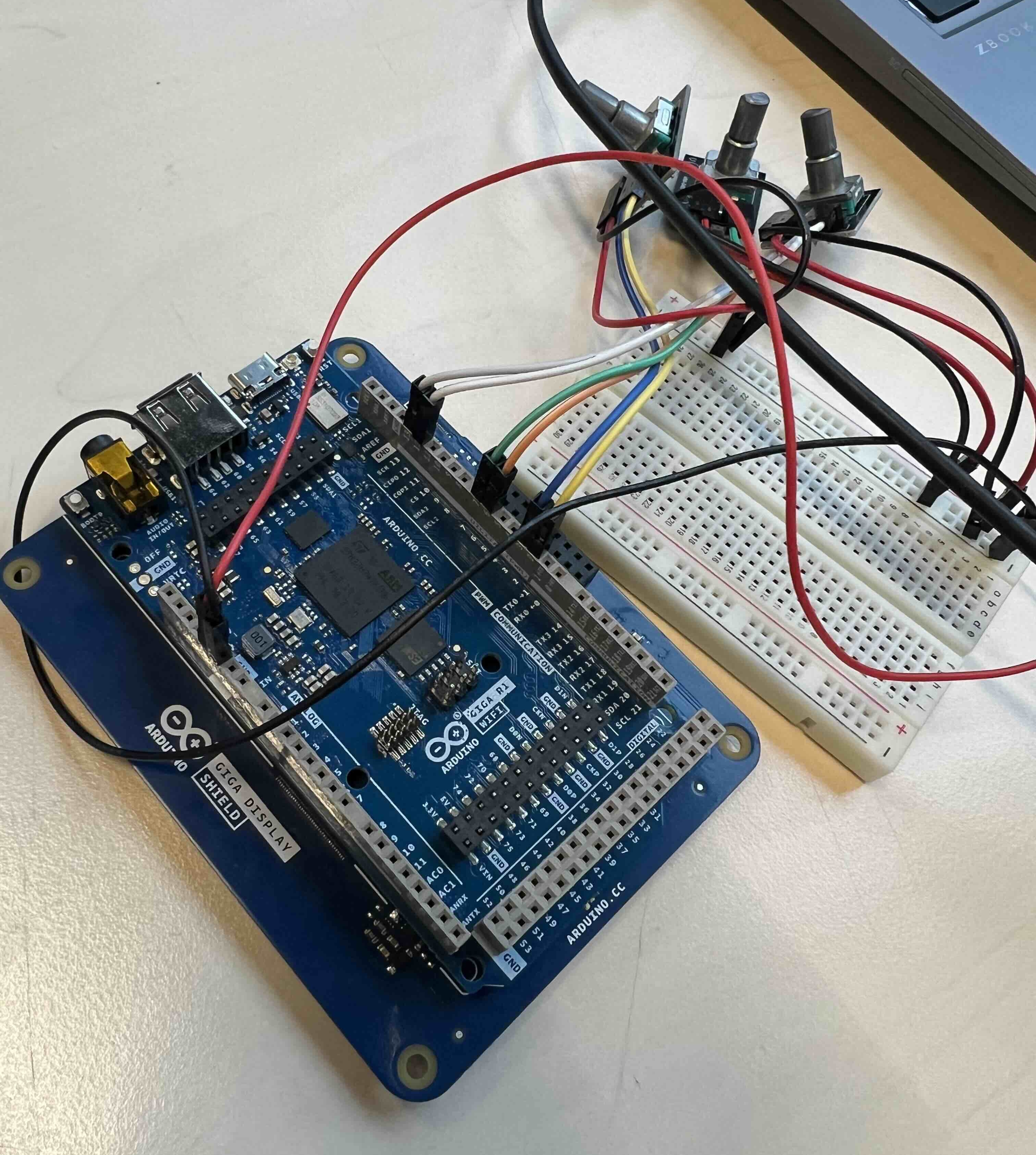
Plug-and-play hardware connection
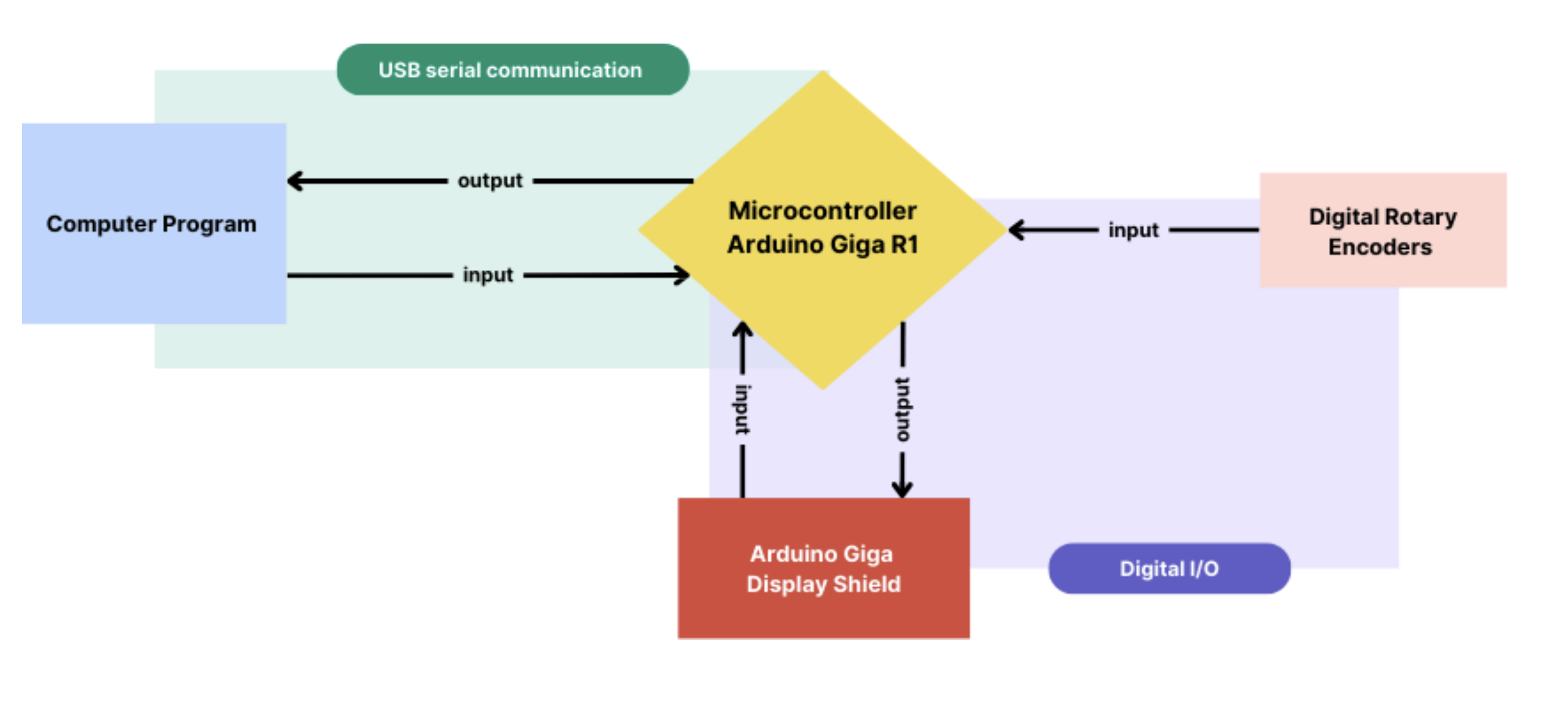
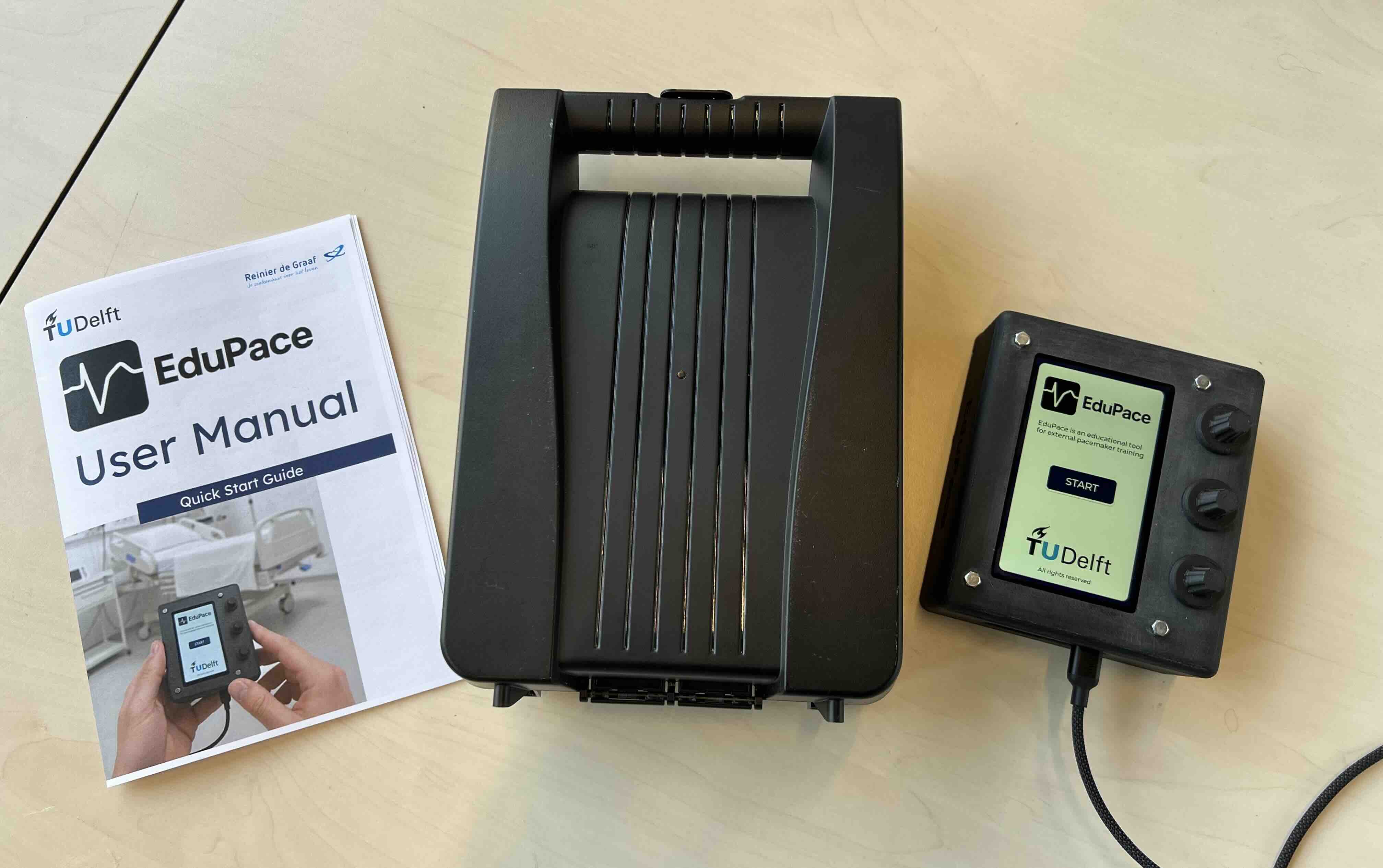
Connect the EduPace device over USB and start training right away, with the simulator controlled from the physical interface.
Session review and learning feedback
After each run, review what happened and see whether the patient was stabilised and how long it took.
Modular design
Modular design separates ECG waveform generation, scenario logic, and device communication, making it easy to add new scenarios or pacing modes later.